
Check-In Activity Log
This report will give you an up-to-date listing of everyone who is checking into Involvements. You can access this report by going to Admin > Involvements > Check-In > Activity. The Access, Edit, and Checkin roles are required to view this report.
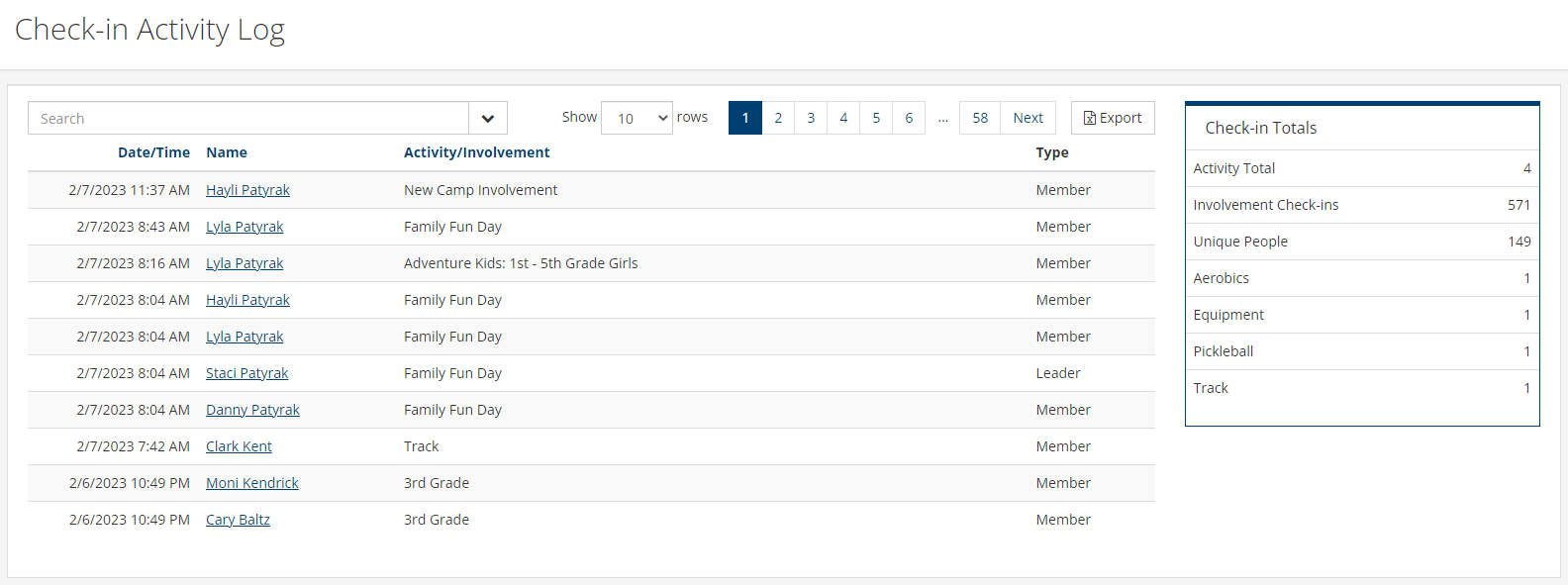
You can filter by Location, Activities, Type, or Date. You can search by name by typing the person’s name in the search bar or by the other options mentioned by clicking the drop down in the search bar. This information can also be exported by clicking the Export box on the top right section of the menu bar.
Note
At this time, if someone checks in using pre check-in, the time stamp in the log will reflect that action, not when they checked in later at the kiosk. Additionally, when someone is marked for attendance in an involvement manually through the meeting tab or through taking attendance in the mobile app, they will appear in the log.
Latest Update |
7/3/2026 |
Updated menu navigation, added note